
FC 27 Gallery score calculator
Check a Set’s base score and tag bonuses. Compare the calculated total with your game to find mismatched inputs.
Check your Gallery set score
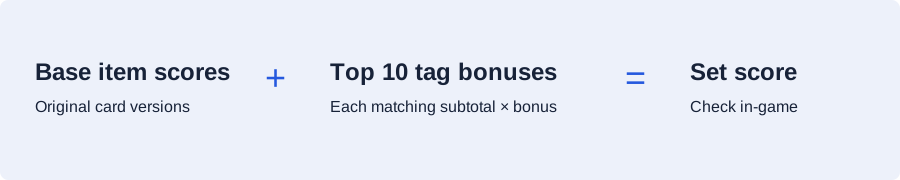
Add the set’s base score and the subtotal for each matching bonus tag. The ten largest bonus amounts count.
How to enter bonuses correctly
Enter the applicable percentage once for each distinct tag. Bonuses add to the base score; they do not compound with each other. A +500% bonus adds five times the matching subtotal on top of its original points.
For First Owner, five to nine matching items use +150%, ten to nineteen use +300%, and twenty or more use +500%. Buying a card from the market does not make it First Owner.
Different-nation, club and league tags use the highest-scoring item from each qualifying group. Same-group tags use the largest group; total item score breaks equal-count ties. Use the matching subtotal shown for the actual tag when comparing.
Only the ten largest bonus amounts count. Ten small bonuses can contribute less than one large bonus. This calculator does not turn an incomplete set into a claimable grade or convert set points into Gallery Tokens.
Start with the matching item subtotal
A tag applies to the scores of the player items matching that tag. For example, a First Owner bonus uses the subtotal of First Owner items, rather than every card in the Set. The First Owner worked examples show how item count changes the percentage.
Turn a checked score into an upgrade option
Once the Set score matches your inputs, put its current and proposed totals in the route planner. Keep the same card entry wherever a card contributes to more than one Set. The planner compares incremental improvements instead of charging for a completed grade again.
For background on eligibility and item history, read the Gallery guide. The public bonus-tag table lists the available tiers.